• Home
  • Computing
  • Maths
  • Resources
  • SCAD
    • SCAD Sequence
    • SCAD Selection & Variables
Log In
Register

Weddell.co.uk

Sharing Ideas for Learning With Technology

Menu
  • Home
  • Computing
  • Maths
  • Resources
  • SCAD
    • SCAD Sequence
    • SCAD Selection & Variables

Binary Bytes to Hexadecimal Pairs

Binary is perhaps very simple at heart, but confusing at first when you have spent all your life dealing with ten digits instead of two. GCSE computing requires students to both understand binary and use it. In addition, an understanding of hexadecimal is required too. So here I hope to make life a little easier

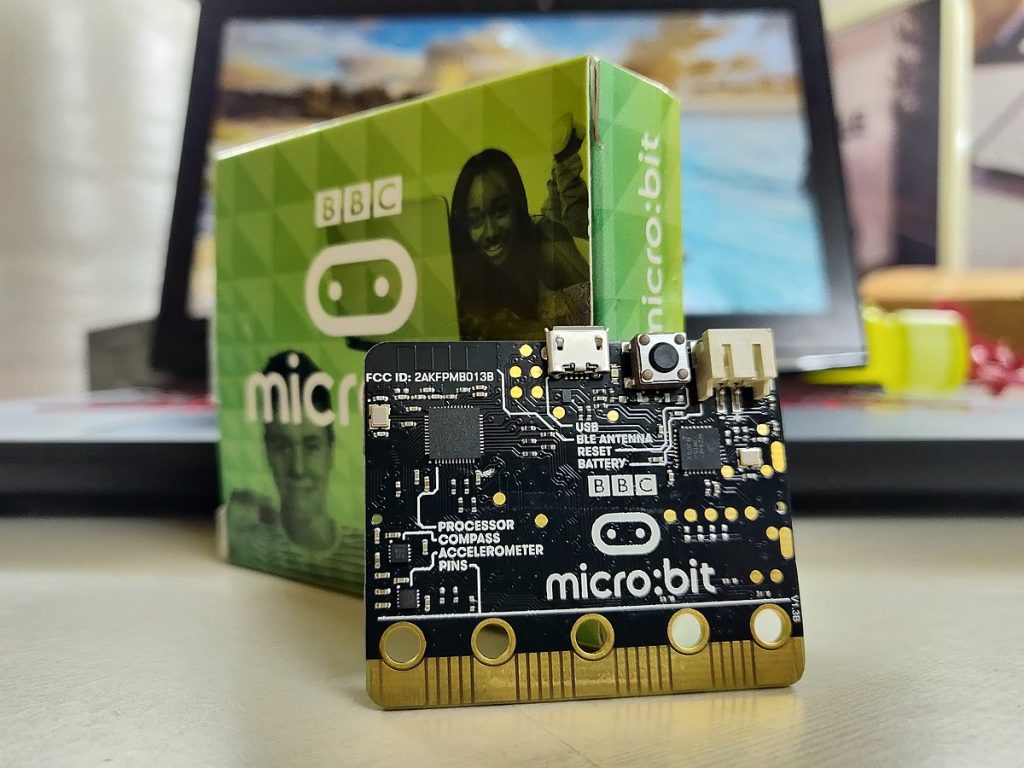
Blast off with the Micro:Bit

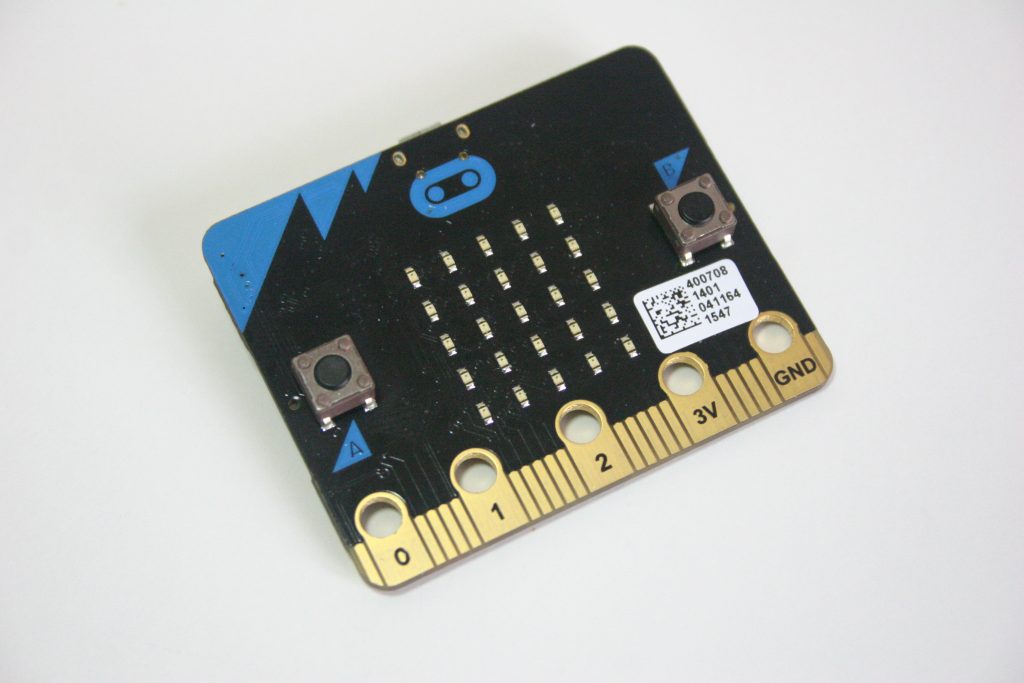
Connecting, Installing and Creating Hardware SetUp – Computer/Laptop To get going you are going to need a Microbit, battery holder, two AAA batteries and a USB lead. These can all be bought as a pack from under £15. Do be careful about USB phone charging leads, which may not pass data as these pins aren’t
Holding Hands

Experiences of an educator being a supported learner So like many, I have bought technology and used it once, then moved on to the next thing. The Micro:Bit was a prime example of this, when back in 2016 I was introduced to this new technology in a classroom setting with a very prescribed “now do

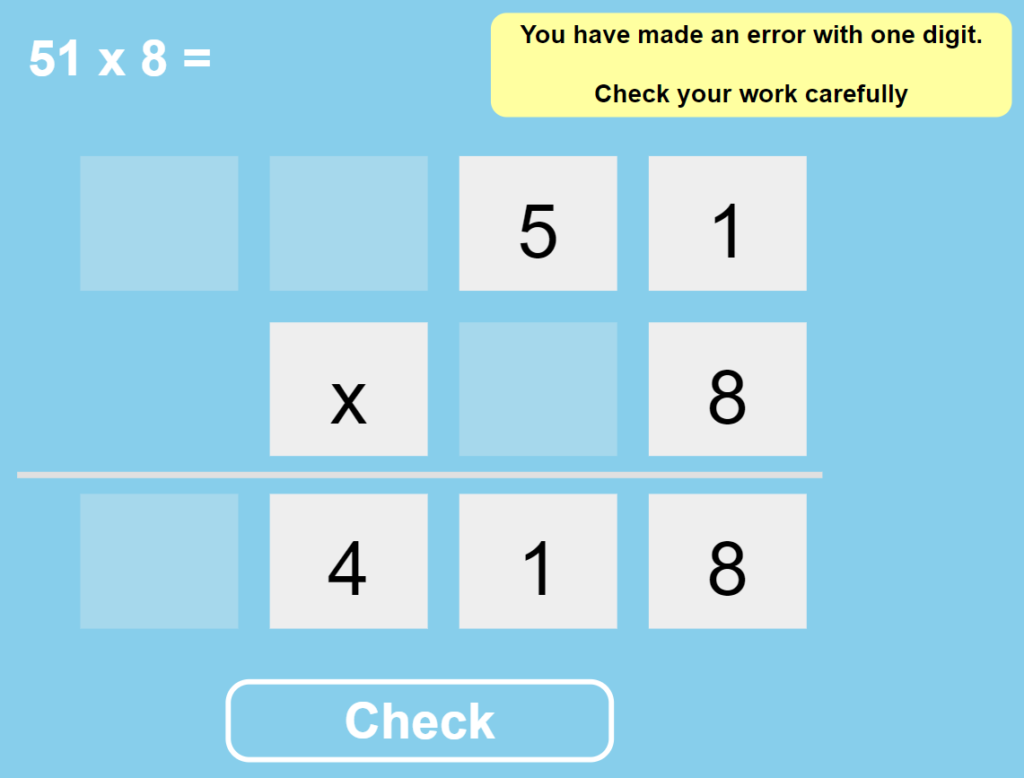
Multiplication Checker

Check Multiplication calculations using this page. Click on the digits to change the question and answer. Click Check to see if you are correct, made a minor error or need to look more closely. Click here

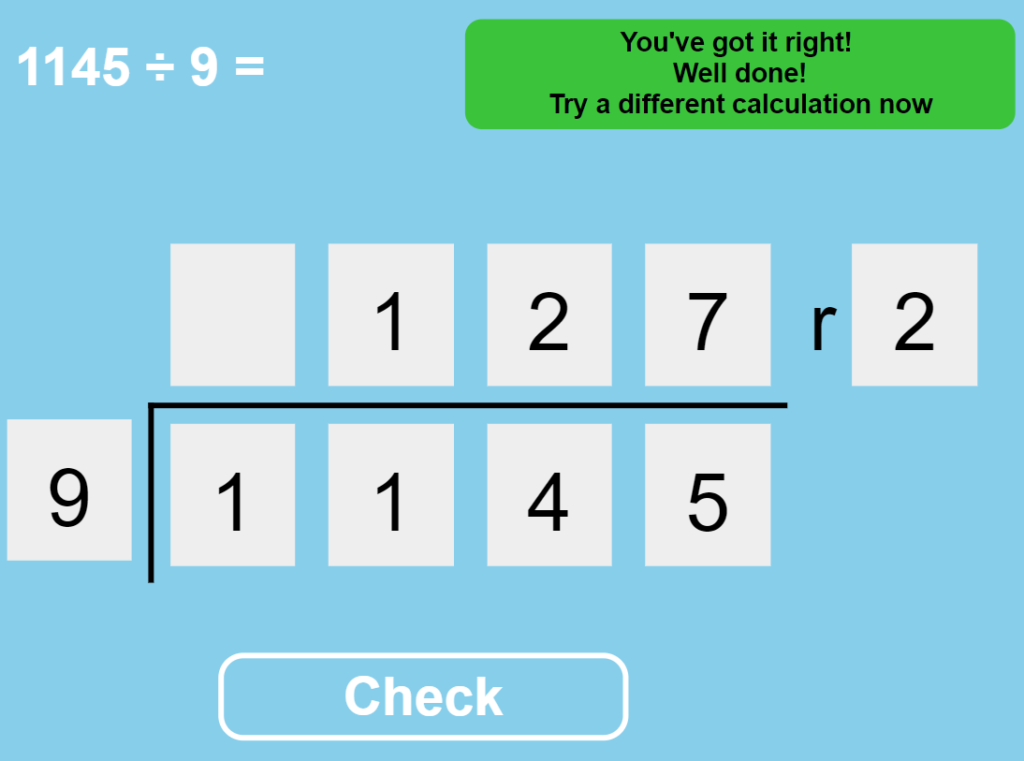
Division Checker

Check a division problem including remainders. Click on the digits to change the problem and answer. When you think they are correct, check your answer. It will tell you whether you are correct, one digit is wrong or there are more errors. Click Here

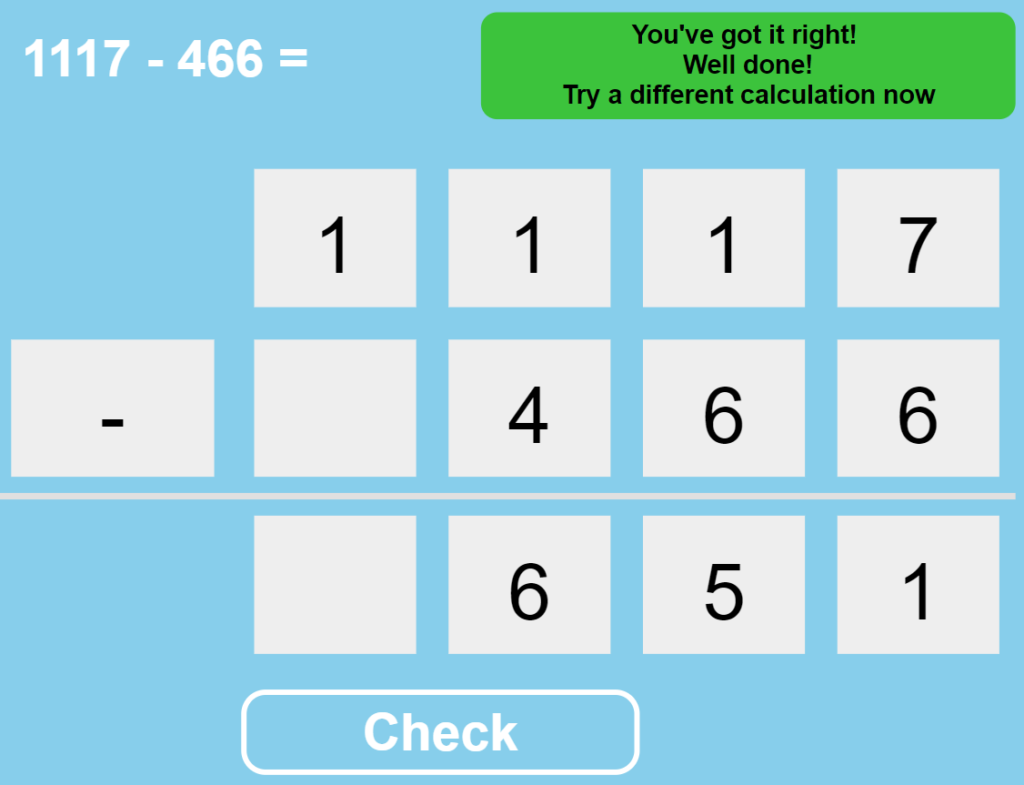
Subtraction Checker

Check a subtraction calculation using this handy checker. It will tell you whether you are correct, have made a minor error and are incorrect. Click Here

Addition Checker

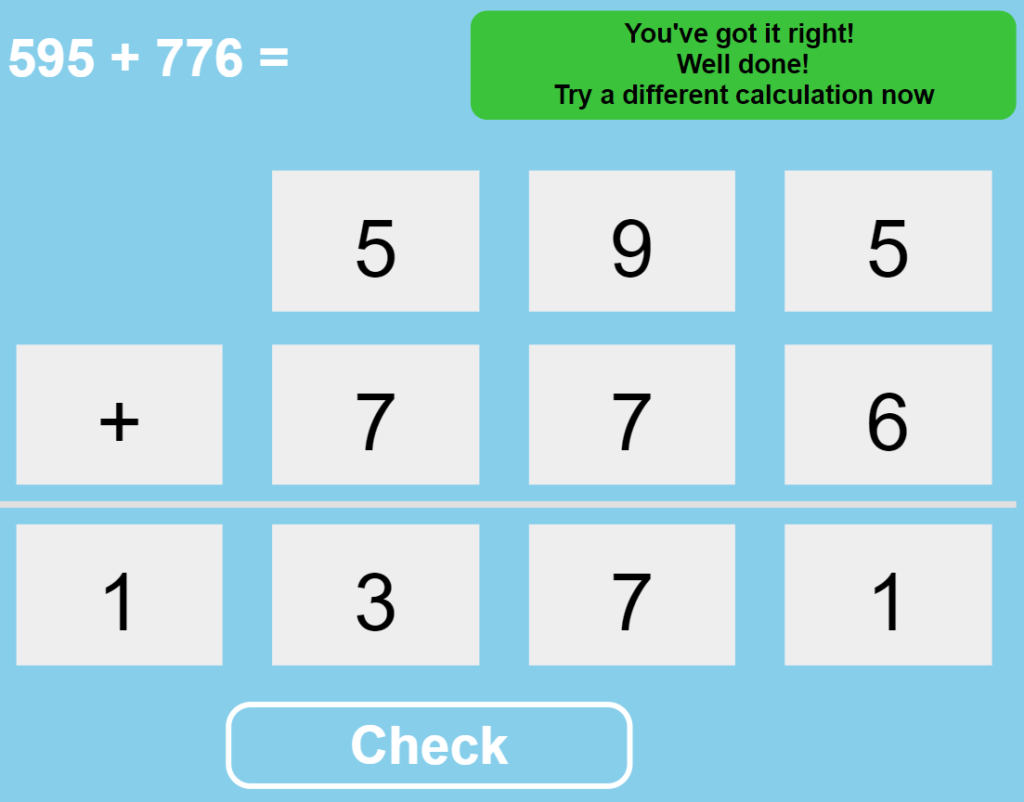
Check a column addition calculation and get feedback on whether you are right or wrong, and if you are just one digit out! Click Here

1,2,4 Quadrant Coordinates

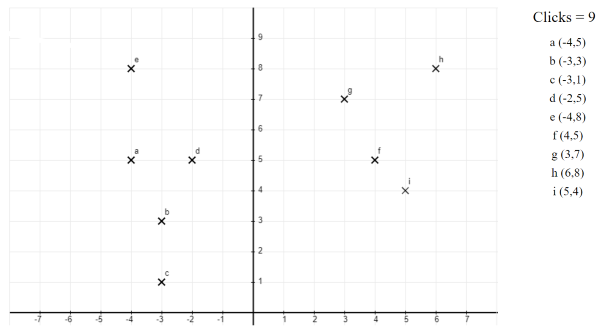
Quickly plot coordinates in 1, 2 or 4 quadrants. Begin to understand negative coordinates. Click to position coordinateClick on a coordinate to make it disappearCoordinates automatically labelledDraw linesUndo last point or lineRefresh page to start again. Click Here

Star Swap Remainders

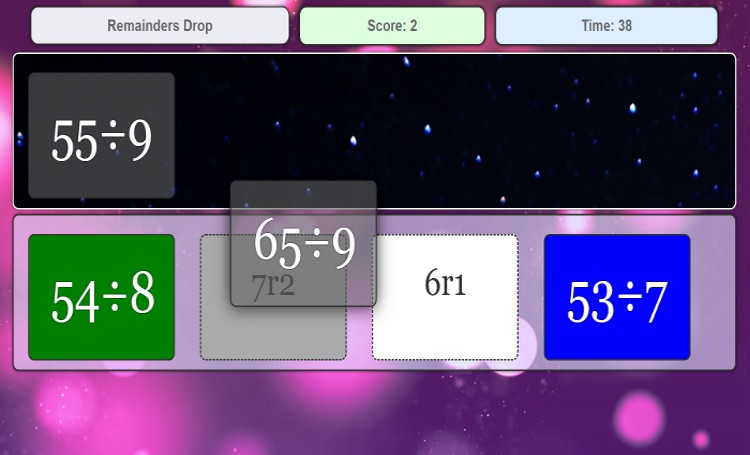
Test yourself on your knowledge of division facts and their remainders. Information Drag the four division questions onto their correct answer. When all four are complete, more will appear. Bonus time for correct answers. Time penalties for incorrect answers.How many can you do given 60 seconds? Click Here

Binary Numbers

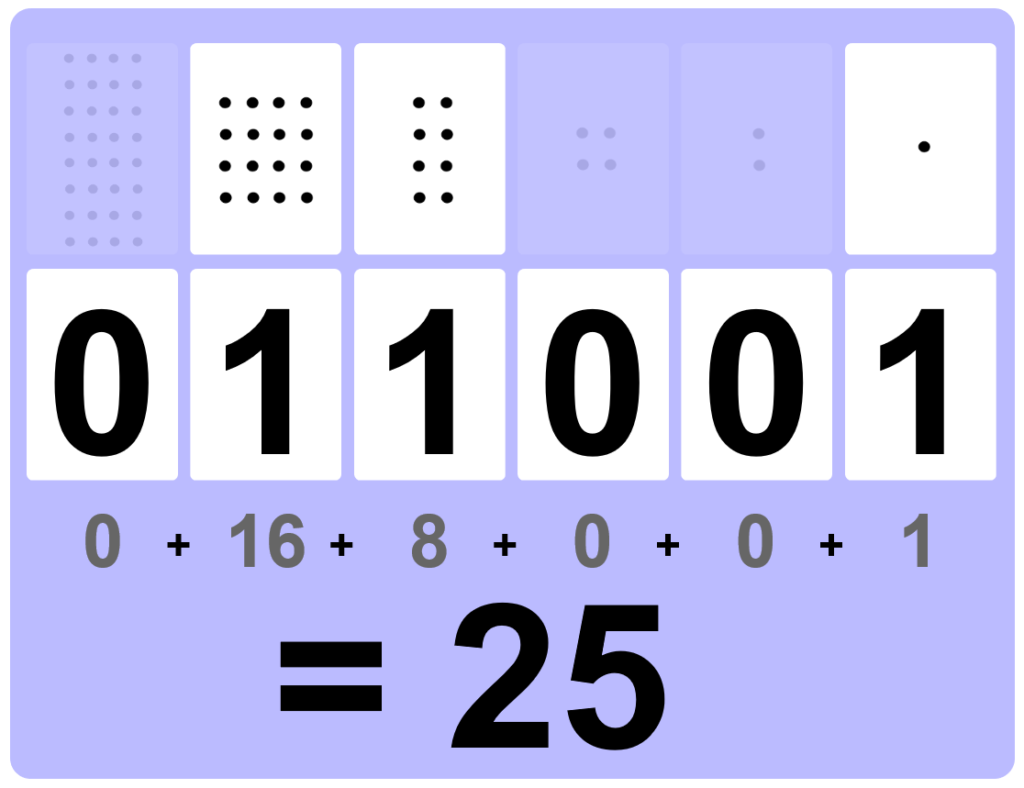
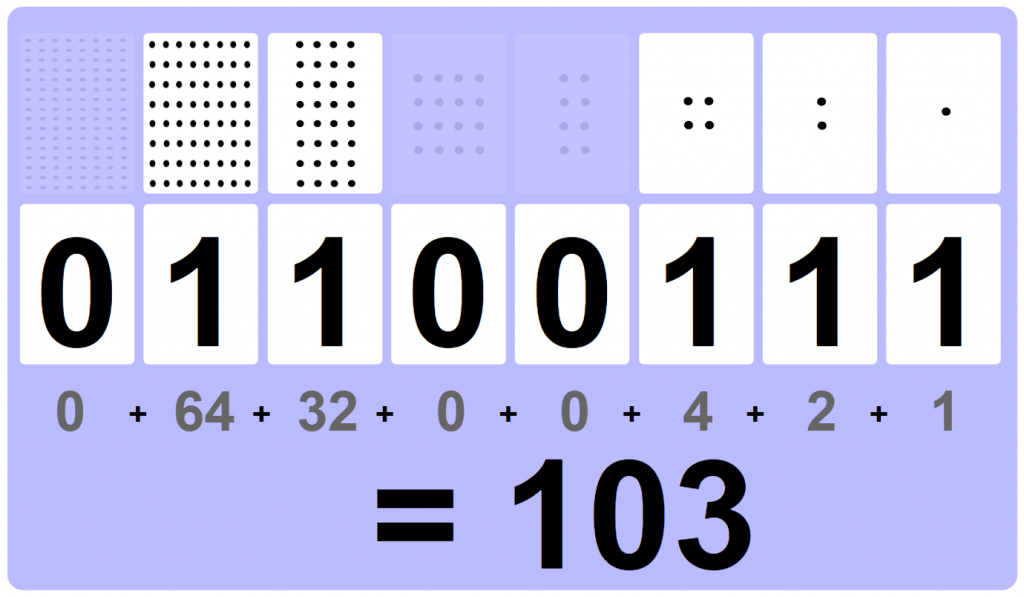
Discover how binary numbers are made using this interactive board. Click on the white number cards to show either 0 or 1. This automatically reveals the dot cards as well as changing the calculation and total value at the bottom. Very clear visual representation of how binary numbers are constructed. Click Here

100 Square Dots

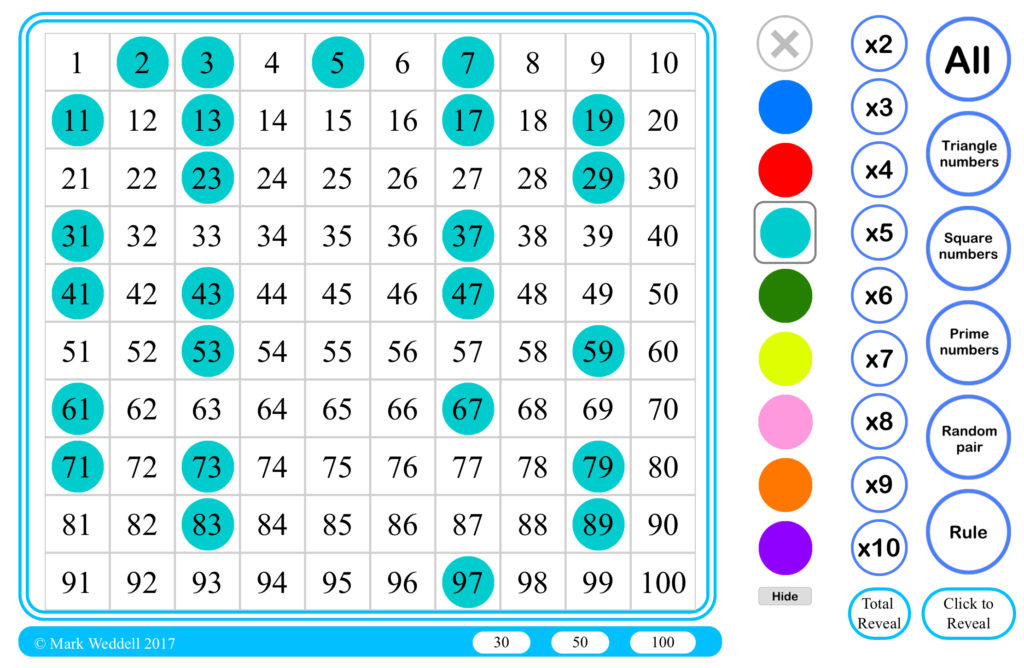
Built to replace a plethora of other flash based 100 square activities, this 100 square is made to last. The reduced view allows for working with numbers up to 30 or 50 making it accessible to children in Year 1 whereas the multiplies and number rules features allow it to extend right to the top
Load More

Sections

Recent Posts

  • CKC 2026 Presentation
  • KS3 – I’ve done Scratch
  • KS2 Programming – Developing Solutions by Design
  • Scratch a Day – Code 1
  • Is it Typing Time?
Copyright © 2026 Weddell.co.uk - WordPress Theme : By Sparkle Themes